
TL;DR: For remote work in Cebu, get home fiber from Converge, PLDT, or Globe (₱1,500–2,500/month for 100–300 Mbps, Converge rated the Philippines’ fastest fixed network by Ookla for 2025–2026) — but confirm your specific building actually has that provider’s fiber installed before you sign anything. Pair it with a backup prepaid SIM or pocket WiFi from a different carrier (₱1,000–3,000 for the device), because brownouts are the real threat: Visayan Electric (VECO) has run rotational outages of 60–90 minutes across Metro Cebu during supply shortfalls. Add a small router UPS (₱1,500–3,000) for short flickers, and keep a coworking space in Cebu IT Park as your fallback on bad days. Verified July 2026.
If you’re moving to Cebu to actually work — not just to check email between beach days — the calculus is different from a tourist’s. A slow café wifi is an inconvenience; a dropped client call during a brownout is a problem with your job. This guide is written for that second group: remote workers, freelancers, and small teams setting up a real home connection in Cebu, not just looking for the nearest hotspot. It covers which fiber providers are actually worth signing up for, how to build a backup so a brownout doesn’t take you offline, and the condo-building traps that catch people who assumed “fiber-ready” meant their preferred ISP. If you just need to know where to get online during a short visit, our general Cebu wifi and internet guide covers SIMs, eSIMs, and café wifi — this one is the deeper, stay-longer version.
Home Fiber Plans Compared
| Provider | Entry plan | Mid-tier | Top speed available | Notes |
|---|---|---|---|---|
| Converge FiberX | ₱1,500/mo (~US$24) — 100 Mbps | ₱2,500/mo (~US$40) — 300 Mbps symmetrical | Up to 1 Gbps | Ookla’s Fastest & Best Fixed Network in the Philippines, 2025–2026 award period |
| PLDT Home Fibr | ₱1,799/mo (~US$29) — up to 500 Mbps (Unli plan) | ₱2,499/mo (~US$40) — bundled streaming | 1 Gbps from ₱2,699/mo promo (reverts to ~700 Mbps after 6 months) | Fiber Prepaid also available, from roughly ₱19/day on long-term loads |
| Globe At Home (GFiber) | ₱1,699/mo (~US$27) — 200 Mbps unlimited | ₱2,099–2,499/mo (~US$34–40) — 300–500 Mbps | 1 Gbps at ₱7,499/mo | GFiber Prepaid from ₱249/7 days plus a one-time ₱699 device fee |
Prices are the providers’ published residential rates as of mid-2026; promos and installation-fee waivers change often — confirm the live offer for your address before committing. ₱62 ≈ US$1 (July 2026). Verified July 2026.
Which Provider Should You Actually Pick?
Pick whichever provider already has working fiber in your specific building — brand loyalty is secondary. All three majors clear 100+ Mbps on paper, which is more than enough for video calls, so the real differentiator is infrastructure, not marketing speed. Converge currently holds Ookla’s Speedtest Award for fastest and best fixed network in the Philippines, which is a reasonable tiebreaker if two providers are equally available. But a Converge plan is useless to you if your condo’s riser only has PLDT cabling run to your unit.
Installation fees (commonly around ₱3,600 for PLDT, and comparable for the others) are frequently waived in ongoing promos aimed at remote and hybrid workers — ask explicitly when you apply. Actual install timelines run anywhere from a few days (existing infrastructure, slot available) to several weeks (new building, provider still laying backbone) — do not assume same-week service, especially in newer developments.
Why Do Condo Buildings Complicate This?
Some Cebu condo buildings have an exclusive deal with a single ISP, so you can’t simply order your preferred provider. This trips up more remote workers than slow speeds do. A building may have only PLDT’s trunk installed, meaning Converge or Globe literally can’t connect you no matter what their website promises for your postal code. Newer towers sometimes advertise “fiber-ready” units where the provider hasn’t actually finished commissioning the line yet, leaving new tenants waiting weeks.
Before signing a lease anywhere — monthly apartment rentals or a full condo — ask building administration which ISPs have live infrastructure in the tower, and ask a current tenant to run a speed test from their actual unit, not the ground-floor lobby. Concrete condo walls also throttle the ISP-supplied router’s wifi signal noticeably by the second or third room back, so budget for your own mesh router regardless of which provider you land on.
How Bad Are the Brownouts, Really?
Bad enough that a backup plan matters more than which fiber brand you choose. Visayan Electric (VECO), which covers Cebu City, Mandaue, Lapu-Lapu, and Talisay, has implemented rotational brownouts during periods of supply shortfall on the Visayas grid — typically 60- to 90-minute rotations, with the highest risk during afternoon (roughly 1–4 PM) and early evening (roughly 6–9 PM) peak-demand windows. Outside Metro Cebu, rural cooperatives like Cebeco-1 run their own scheduled interruptions. Storms add unscheduled outages on top of any rotational schedule.
Two practical habits fix most of the risk:
- Check VECO’s service advisory page or Facebook page the morning of anything important — schedules are usually posted in advance by feeder/barangay.
- Never schedule a critical call in a known peak brownout window without a fallback plan already tested.
What Backup Setup Should You Actually Build?
Pair your fiber line with a mobile hotspot on a different carrier, and add a small UPS for your router. This is the standard two-layer setup among long-term remote workers here:
- A prepaid SIM or pocket WiFi on a different network than your fiber provider. If your unit runs on Converge or PLDT, carry a Globe or Smart SIM (or vice versa) so a single provider’s outage doesn’t take out both your fixed and mobile options. Dedicated pocket WiFi devices (Smart Bro, Globe MyFi) cost roughly ₱1,000–3,000, with prepaid data plans starting around ₱249 for a week.
- A small UPS or AVR (₱1,500–3,000) on your router and ONT. This buys you through short flickers and voltage dips — the kind of everyday brownout that lasts a few minutes — without a reboot. Be clear-eyed about its limits: once the outage outlasts your battery, or if the ISP’s neighborhood node itself loses power, your fiber goes down regardless of what’s plugged into your own wall. A UPS is insurance against flickers, not immunity from a real rotational brownout.
- A coworking fallback for the bad days. Spaces in Cebu IT Park built for BPO and call-center tenants typically run dual-ISP setups with automated failover and diesel generators sized to carry the whole floor — genuinely more resilient than most home setups. Keep a day-pass option in your back pocket; see our best coworking spaces in Cebu roundup for options near IT Park and Cebu Business Park.
If you’d rather skip building your own backup entirely, a co-living space that already bundles fiber, backup power, and a shared workspace removes most of this planning — worth pricing against the DIY setup, especially for a stay under six months.
Which Neighborhoods Give You the Best Odds?
IT Park, Cebu Business Park, Banilad, and Mandaue have the deepest, most redundant infrastructure, because the BPO and call-center industry that anchors those districts runs 24/7 and won’t tolerate downtime — the fiber backbone and backup power built for them benefits everyone nearby. See our digital nomad bases in Cebu breakdown for a fuller area-by-area comparison.
Hillier, view-driven residential pockets — Busay near Temple of Leah is the classic example — are genuinely lovely to live in and popular with the café-hopping crowd, but the fiber coverage thins out compared to the business districts, and brownouts tend to hit harder and last longer up in the hills. If uptime is non-negotiable for your income, that’s a real trade-off against the view, not just an inconvenience to shrug off.
The Honest Take
Cebu’s internet infrastructure is genuinely good by regional standards — Converge’s Ookla award isn’t marketing spin, and 100+ Mbps fiber for under ₱2,000 a month is a real deal by any international comparison. The part travel bloggers gloss over is that speed on paper and uptime in practice are different problems. Your biggest risks aren’t bandwidth — they’re a condo building with only one ISP option, a brownout during a client call, or a mesh-router blind spot three rooms from the ONT. None of that is a reason to avoid Cebu for remote work. It’s a reason to spend one afternoon before you commit to a lease actually verifying provider access, testing real speeds in the unit, and setting up a cheap backup — instead of finding out the hard way during your first big deadline.
Sources
- Ookla Speedtest Awards — Converge fastest & best fixed network, Philippines (2025–2026 period)
- Converge ICT — FiberX plans
- PLDT Home Fibr — plans and Fiber Prepaid
- Globe At Home — GFiber and GFiber Prepaid
- Visayan Electric (VECO) — service advisories on scheduled interruptions
- Cebeco-1 — scheduled power interruption notices
- Provider plan pricing and brownout schedule details cross-checked against 2026 news reporting; confirm current rates and outage schedules directly with each provider and VECO. Verified July 2026.
Whichever setup you land on, sort your internet before you sort your view. Compare Cebu City stays with working fiber on Agoda, read the area-by-area breakdown in digital nomad bases in Cebu, and check Cebu for digital nomads for the rest of the remote-work logistics — visas, coworking, and cost of living.
Book Tours & Hotels for This Trip
Find and book the best deals — prices and availability update in real time. Links open in a new tab.
Where to stay near Cebu City
Top-rated hotels for this trip — tap through to check live rates.
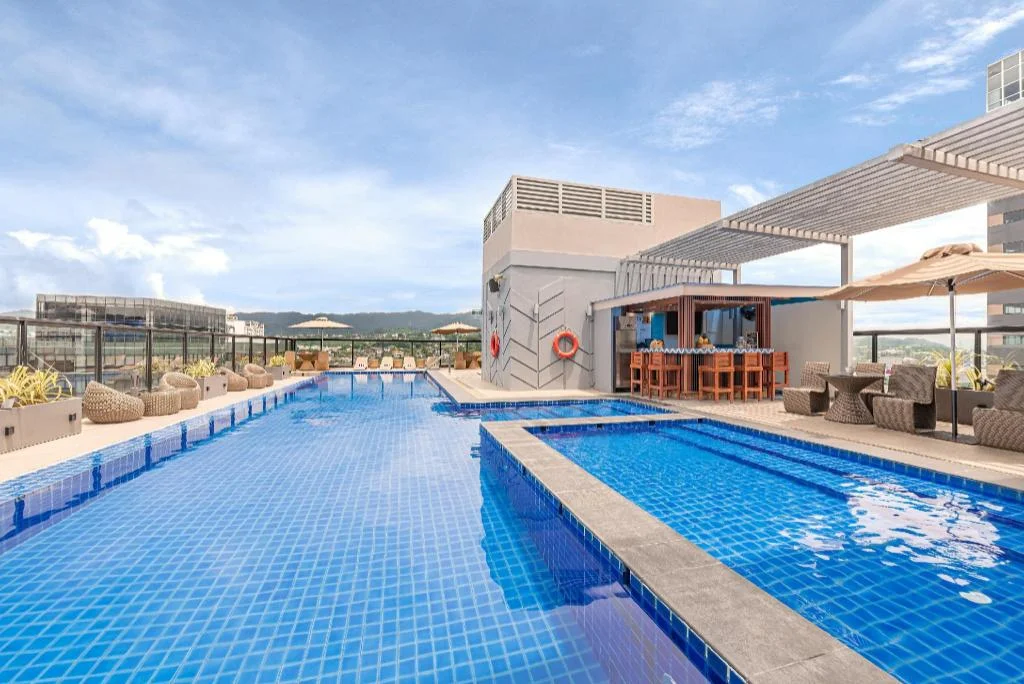
Seda Central Bloc Cebu City
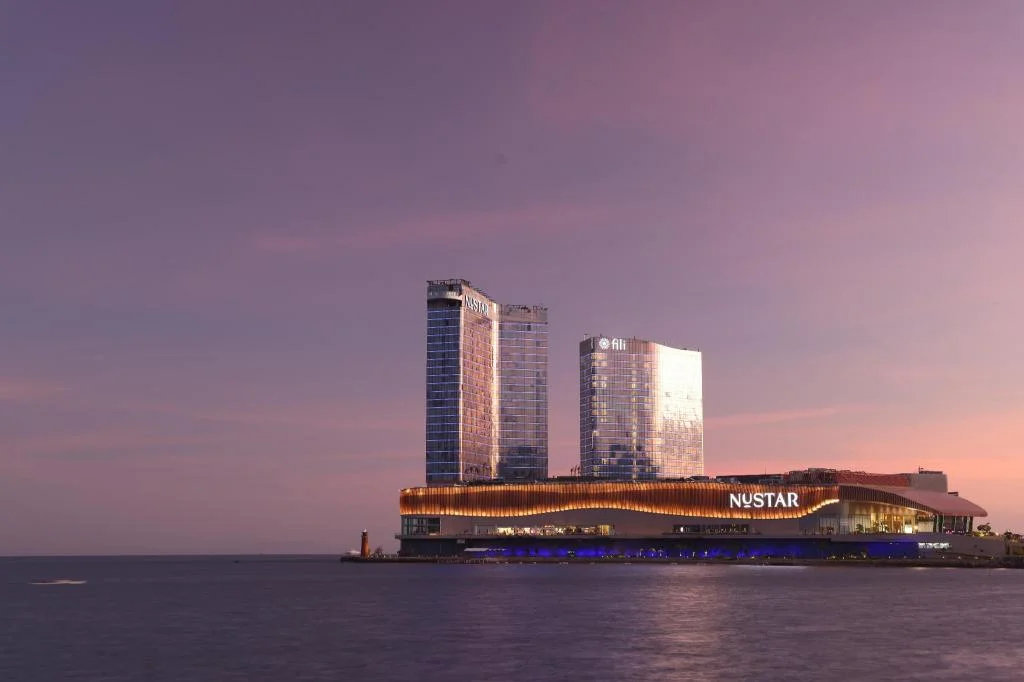
Fili Hotel - NUSTAR Resort & Casino Cebu
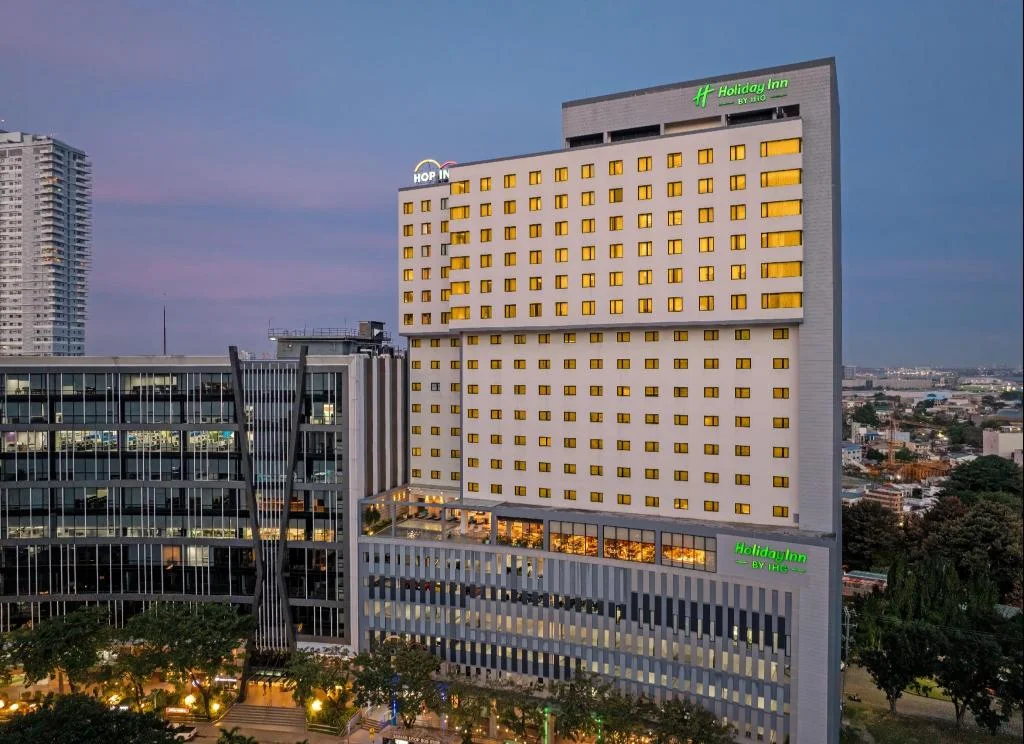
Holiday Inn Cebu City By IHG
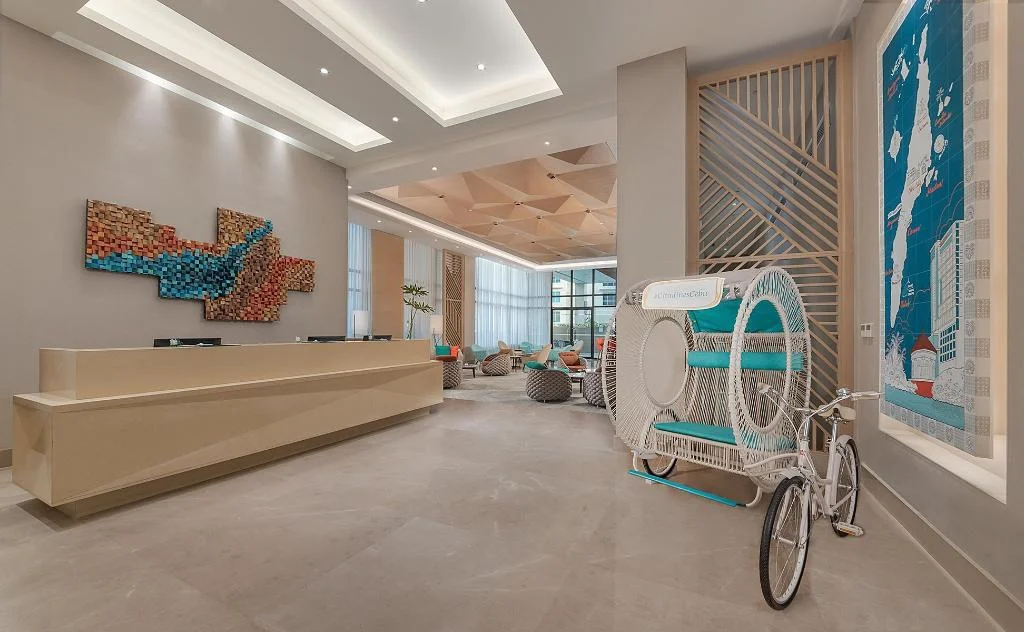
Citadines Cebu City
Prefer a rental? Vacation rentals near Cebu City
Self-catering condos and apartments — book the exact unit, kitchen included.
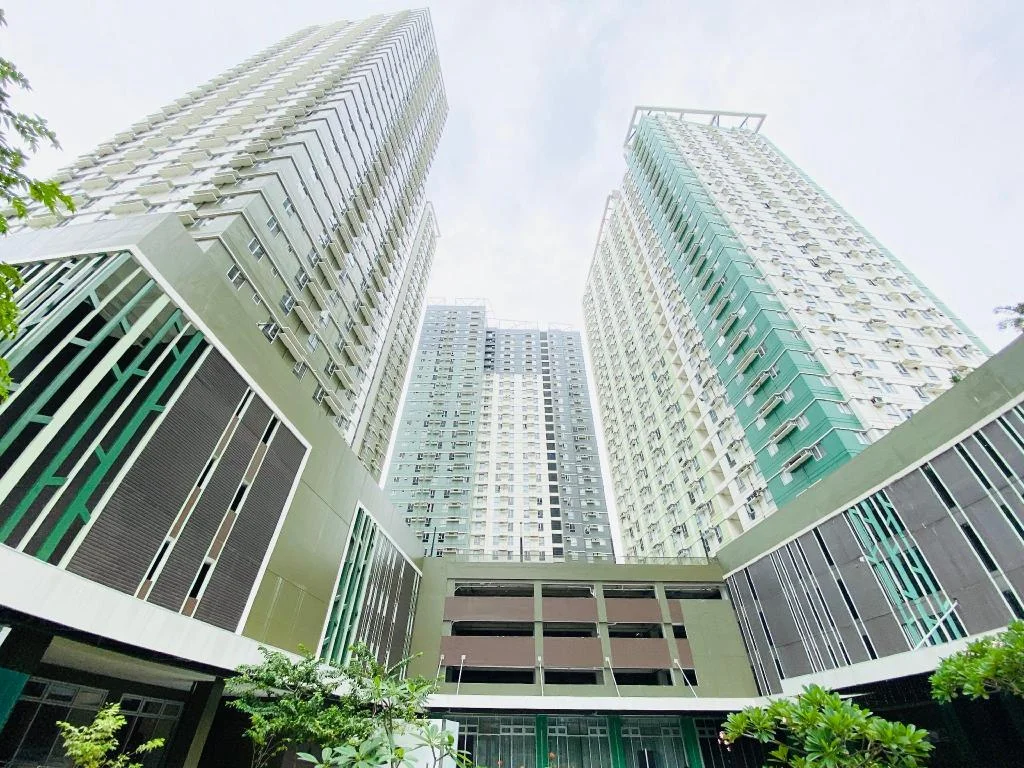
Cebu Avida Riala by P&J
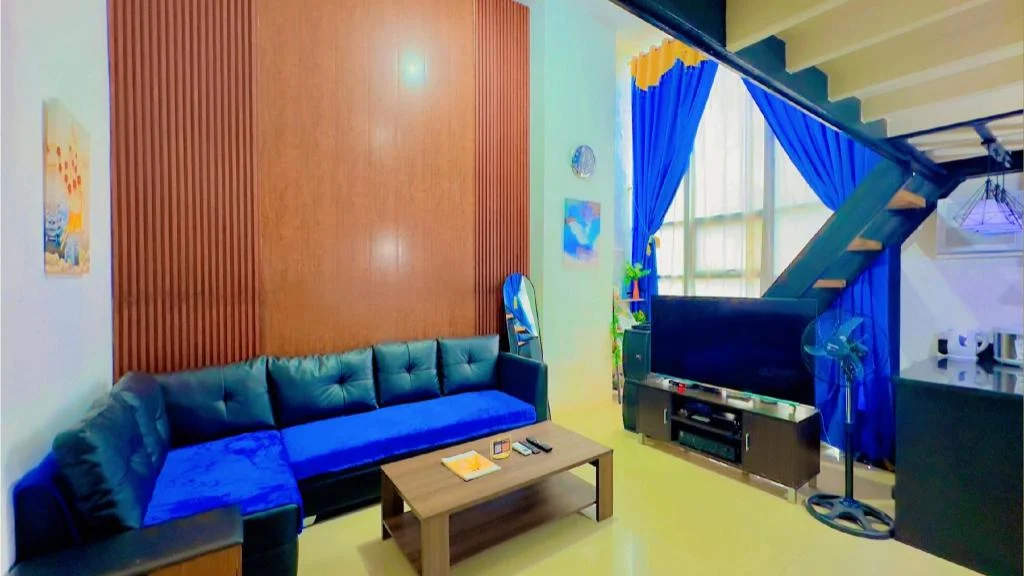
Special Big Loft Unit w/Fibreop Internet & Netflix
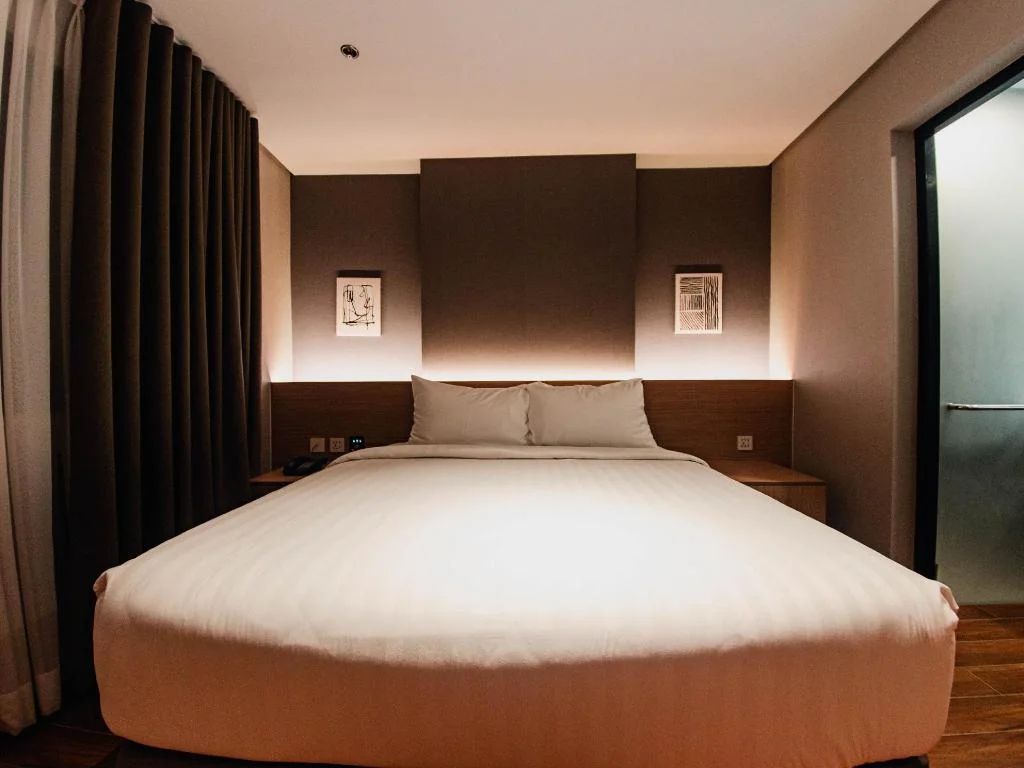
Moonstar Cebu Hotel - Deluxe Room
Before you go